

Why an integration is separate from the agent
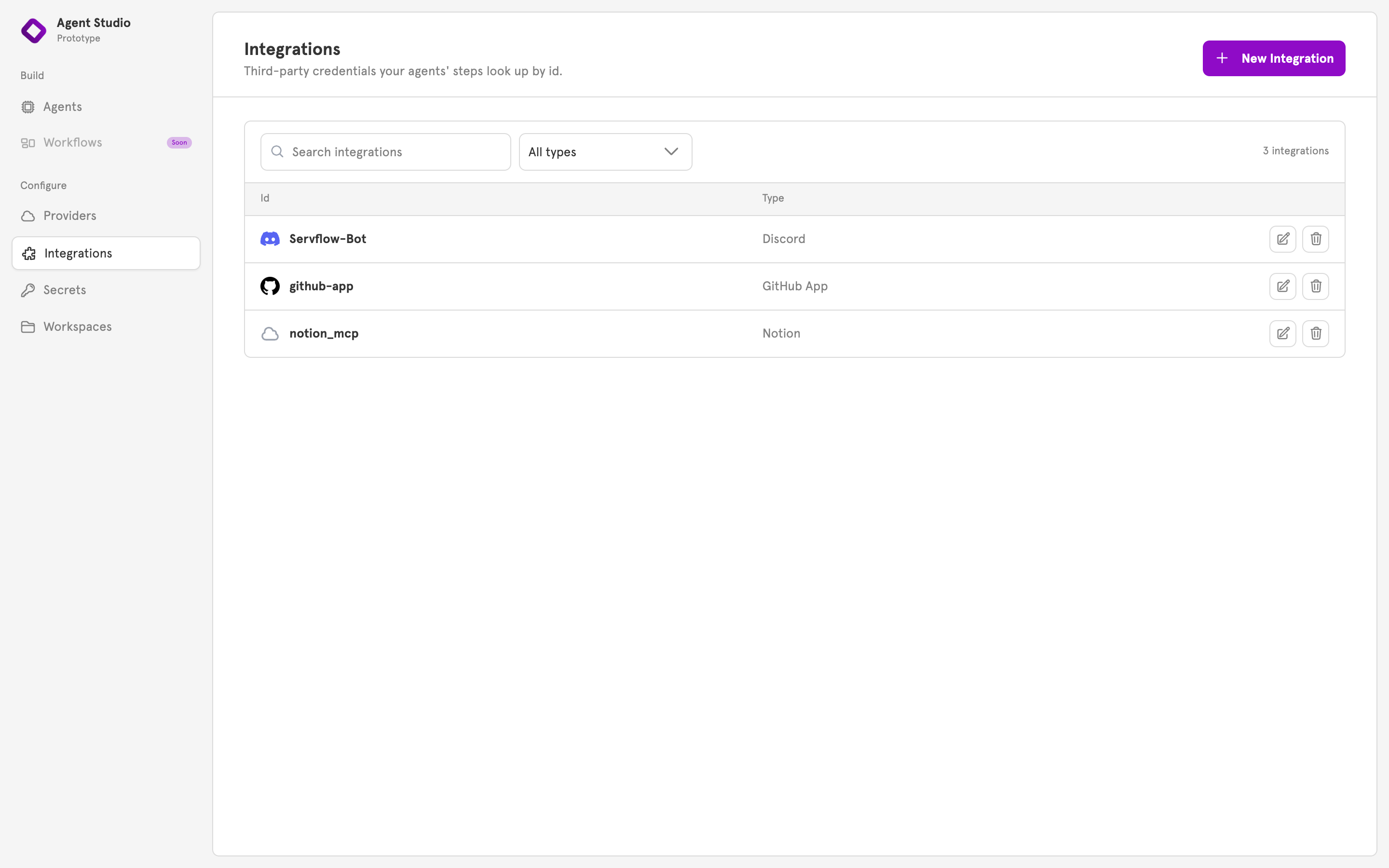
The details are sensitive, so they are entered once and not copied into every agent. And several agents can use the same integration, so replacing a token is one change, not one change per agent. An integration is also either enabled or disabled. Saving a new integration stores it disabled. Enabling it is what makes ServFlow start serving it, and enabling it again is how you make a saved change live.Three places an integration is used
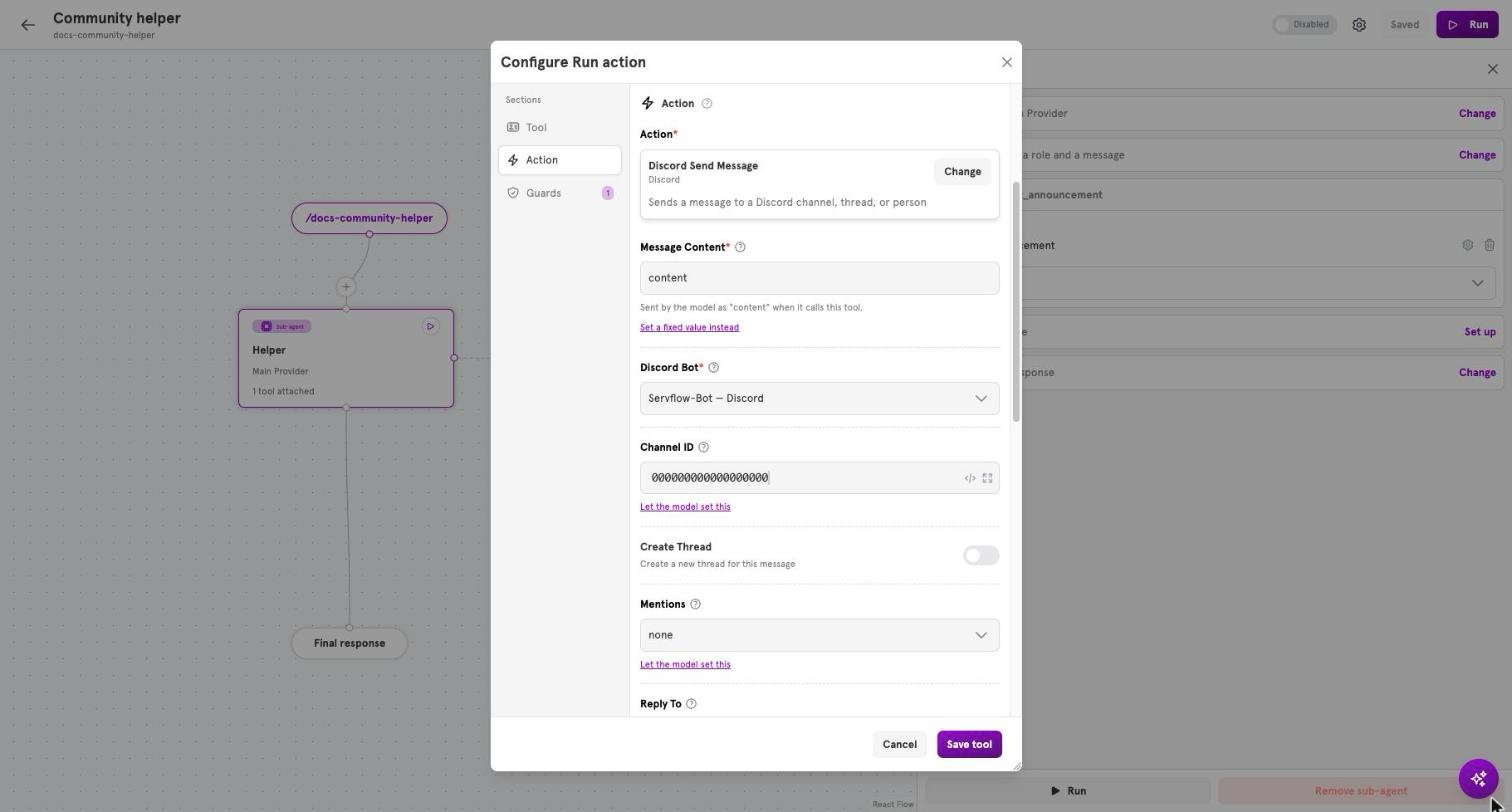
In each place, you pick the integration from a list by its name.
One integration is both the key and the identity
When an agent replies through a Discord integration, it replies as that bot, with that bot’s name and picture. The integration that lets messages in also decides who the agent is when it answers. The same holds for a GitHub App and a Telegram bot.Sharing an integration between agents
Two agents can use the same Discord bot. Each decides for itself whether a message is for it, using its own entry settings. If both would answer the same message, both do.Integrations and secrets
Each sensitive field of an integration, such as a bot token, can point at a stored secret instead of holding the value. See Secrets, including what to do after you replace a secret that an integration uses.What kinds there are
The New Integration dialog shows every kind of integration your instance supports. The Available integrations has a section for each, with its fields and what uses it.Integrations in the dashboard
Integrations, in the sidebar under Configure, lists your integrations with their status. Click New Integration, choose a kind, and give it a Name. ServFlow also gives it an internal id, which configs keep using even if you rename it later. Ready means the integration is enabled and can be used. Not connected means a guided OAuth setup created the integration, but the provider approval did not finish; use the row’s Connect integration action to complete it. After the approval finishes, enable the integration to start serving it.When a change takes effect
Editing an integration only updates what is stored. An enabled integration keeps using its previous settings until you enable it again or restart the server. An agent that stays connected through an integration, such as a Discord bot, keeps using the old settings until you enable the agent again.Related
Add an integration
Set one up and use it in an entry.
Available integrations
Every integration type and its fields.
Secrets
Where an integration’s tokens are kept.
Connect an agent to Discord
An integration used by an entry, step by step.